Dec
6th
posted in BROWSER, FREE APPS, VIDEO |
5 Comments
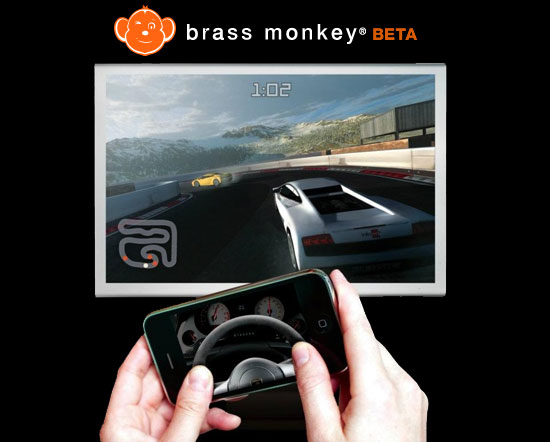
Your browser is the console, your phone is the controller.
Brass Monkey is video game console that uses smartphones as controllers and any screen with a web browser as the main display. Brass Monkey provides a free SDK (software development kit) that lets developers create games with similar features to traditional consoles (XBox, PS3, Wii, Wii U, etc.) using tools for creating Web based games: HTML5, Unity and/or Flash.

Catzilla is a quick, yet comprehensive benchmarking program that uses algorithms found in the latest PC video games, so users can see how their PCs will handle the most demanding videogames, HD movies and other graphically demanding applications.
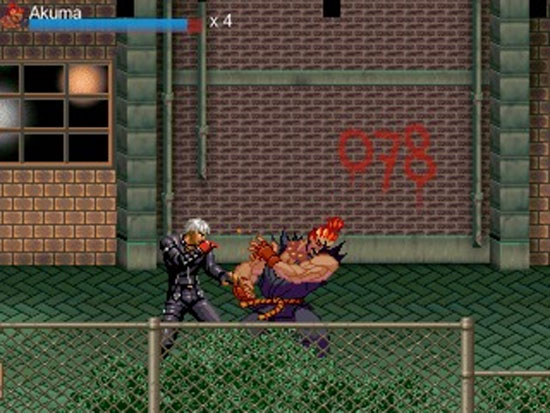
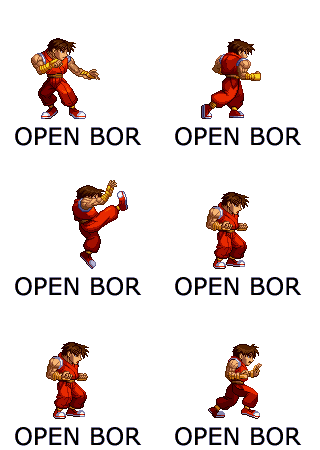
Paintown is a 2d side scrolling beatem-up engine. Paintown supports game styles similar to the Sega Genesis game, Streets of Rage 2, as well as traditional 1 vs 1 fighting games through an implementation of MUGEN. Many aspects of Paintown are customizable, from the menu system to the levels and players that can be controlled. Paintown is highly portable. So far Paintown can run on Windows, OSX, Linux, BSD, Wii, PS3, Android and other systems.
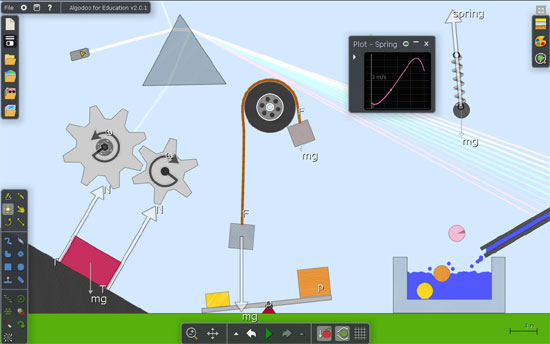
Algodoo is a unique 2D-simulation software from Algoryx Simulation AB. Algodoo is designed in a playful, cartoony manner, making it a perfect tool for creating interactive scenes. Explore physics, build amazing inventions, design cool games or experiment with Algodoo in your science classes. Algodoo encourages students and children’s own creativity, ability and motivation to construct knowledge while having fun. Making it as entertaining as it is educational. Algodoo is also a perfect aid for children to learn and practice physics at home.
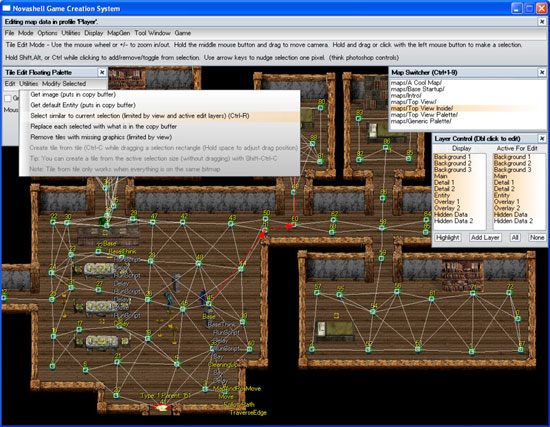
Novashell is a high-level 2D game maker that tries to handle all the hard work behind the scenes allowing you to focus on making games using path finding, dialog, persistent dynamically sized maps with construction/deconstruction, save anywhere, and especially features that adventure and RPG type games would use. It’s also built to allow easy sharing of games you make and modding of them. The underlying concept is everything is cut and pastable and can be added and removed even during play.
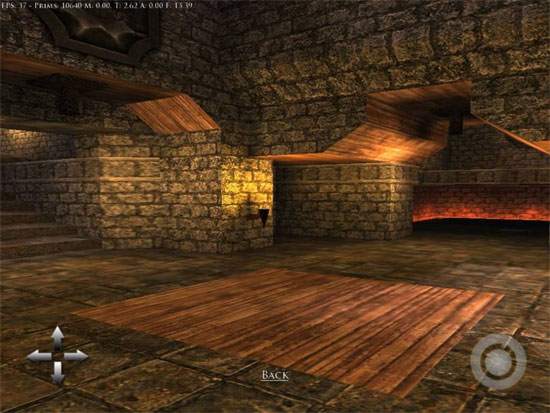
Proton SDK (aka p+) is a free and open source component based C++ framework with its own touch-optimized GUI system that is optimized for GL/GLES based cross-platform app/game development. Both 2D and 3D apps (using the included but optional Irrlicht 3D engine) are supported.